LIVE · DICTATING
Speak.
GoVipe types
Voice input for Windows – works offline and without audio upload. Your text appears directly where you work.
Works offline
No audio uploads
Directly in Windows
✉New email
— □ ×
Toteam@example.com
SubjectAppointment confirmation
A⌕☺▧
STOP WAITING.START TYPING.
SAY IT.INSTANTLY THERE.
FOR CHATTERS
You want to chat. Not wait for your dictation.
Already spoken – but with many browser add-ons your dictation often gets stuck in the overlay and never cleanly reaches chat. GoVipe removes that hang-up.
WITH BROWSER ADD-ONS
Already spoken. Still not in chat.
The dictation is stuck in the overlay.

Lena10:42Can you post the update in chat?
Message #team-chat☺➤
 VS.
VS.
WITH GOVIPE
Spoken. Written. Next.
Directly in chat. No overlay detour.
Lena10:42Can you post the update in chat?
I’ll take a look and get back to you in a moment …
✓
Less waiting. Less clicking.More sending.
GoVipe removes the biggest chat time-wasters so you can stay in flow.
Comma. Period. Question mark. Seriously?
Speak naturally. GoVipe makes the rest readable.
Say the shortcut. Full reply.
You speak only the trigger – GoVipe inserts the full text snippet.
Personal dictionary
For names, special words or your own pronunciation. If a word is repeatedly recognized incorrectly, you define once how it should be written.
Emoji Master
You dictate. GoVipe adds the emoji. No replacing – automatic finishing touch. Freely configurable.
freely configurable No emoji picker. No searching. Just speak.
YOUR WAY OF WORKING
You decide how you want to write.
GoVipe does not force you into one fixed way of dictating. You decide whether punctuation should be added automatically or whether you prefer to speak periods, commas and question marks yourself.
Just speak naturally.
Dictate your thought without saying “period”, “comma” or “question mark”. GoVipe recognizes sentence boundaries and adds the appropriate punctuation automatically.
YOU SAY
i am almost done after that we can get started
GOVIPE WRITES
I am almost done. After that we can get started.
Optional local AI
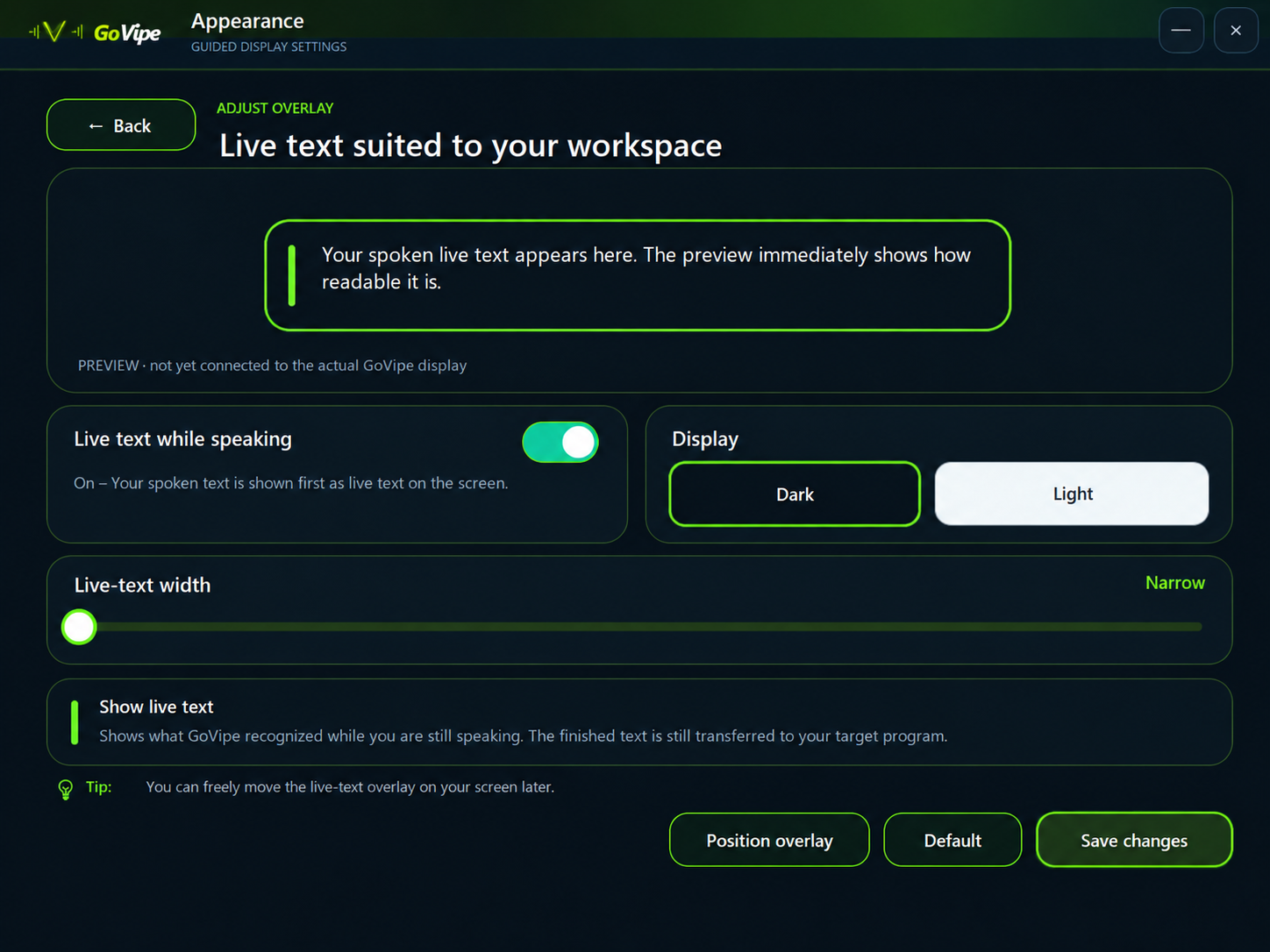
The local AI can additionally refine recognized text and place punctuation appropriately – directly on your computer.
You decide where periods, commas and question marks go.
If you want to decide exactly where punctuation appears, simply speak it along with your text. Set the mode in GoVipe and dictate in the way that works best for you.
YOU SAY
i am almost done period can we get started after that question mark
GOVIPE WRITES
I am almost done. Can we get started after that?
Simply set it in GoVipe – and switch again whenever you want.
BUILT FOR OFFLINE WORK
Your voice stays on your computer.
GoVipe processes your speech directly on your Windows PC. Audio and text do not need to be sent to an external cloud service for recognition and preparation.
Everything stays on your computer
No audio or text upload
Microphone
Captures your speech directly from your microphone or headset.
Speech recognition
Recognizes your words locally and turns them into raw text.
Local AI
Refines spelling, punctuation and typical recognition mistakes.
Your program
Writes directly where you are already working.
Works offlineNo cloud in betweenIntegrated directly into Windows
MICROSOFT STORE
Try GoVipe in your real workflow.
Use the full GoVipe version for 7 days. No credit card for the trial and no second installation later for activation.
✓ 7-day full version✓ Installation through Microsoft✓ Automatic updates✓ Unlock later with a license key
Try free for 7 days
One click takes you directly to the Microsoft Store – with no extra step in between.
Microsoft StoreWindows
MULTIPLE LICENSES
GoVipe for multiple workstations.
Planning to equip a company, school, team or organization with GoVipe? Contact us for tailored multiple-license options and individual terms.
1Companies
2Schools
3Teams
4Organizations
QUICK TO START
Ready in just a few minutes.
Install from the Microsoft Store
Choose microphone and language
Place the cursor and speak
Windows 10/11 · Microphone or headset · local storage for speech models
PARTNER PROGRAM
Know people who would benefit from GoVipe?
Recommend GoVipe to your audience or customers and keep referrals, commissions and payouts clearly organized in your personal partner portal.
Explore the partner program →
✓ Your own secure partner portal✓ Personal GoVipe links✓ Transparent commissions and payouts✓ Your full agreed commission
Type less. Get more done.
GoVipe turns your voice into a direct input tool for Windows.
Try 7 days →